Match the whole combination
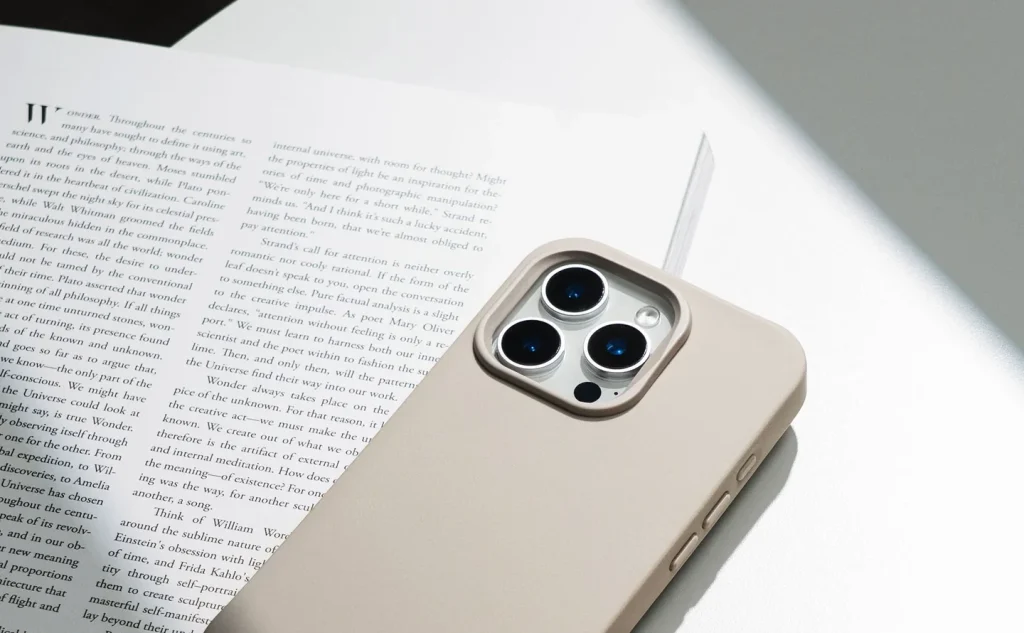
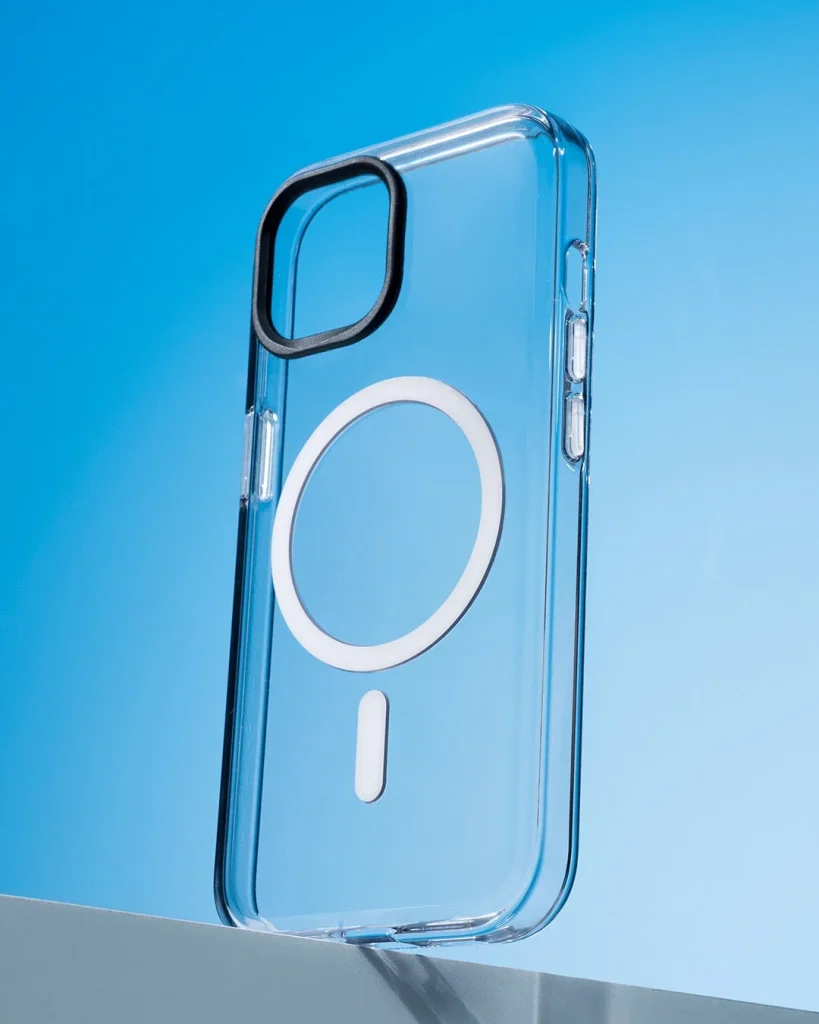
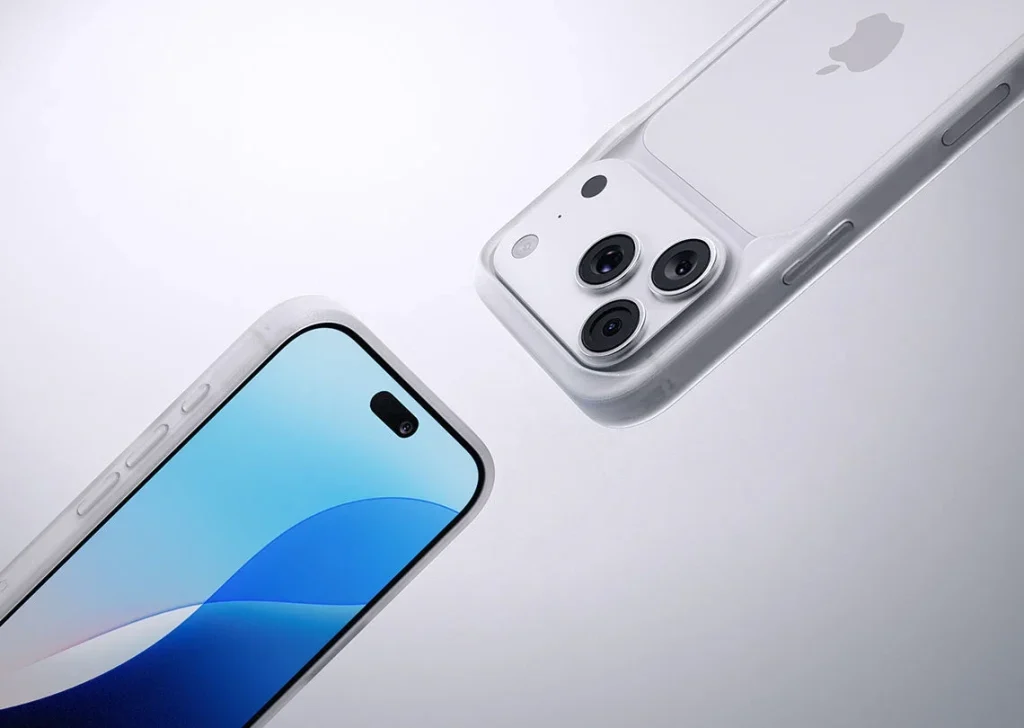
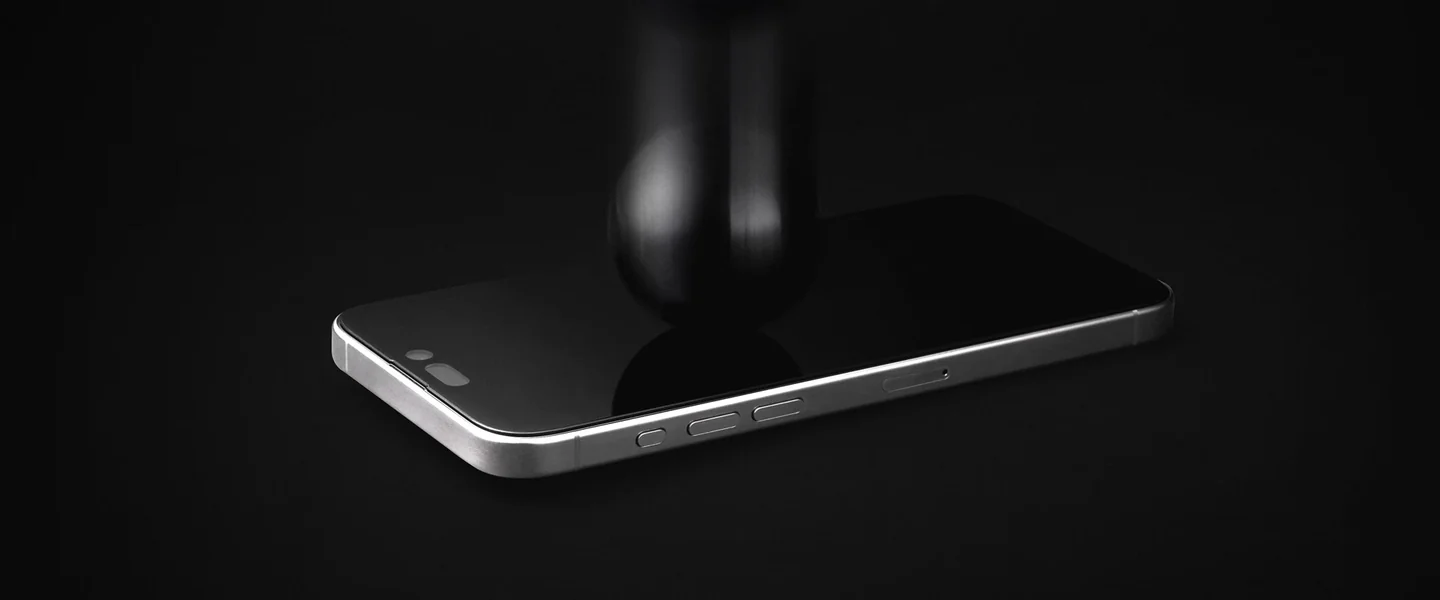
Check the exact phone model and whether the protector is designed to work with a case. Curved displays, camera cut-outs and sensor areas need the correct shape. Read any notes about fingerprint recognition before fitting; do not assume every protector supports every feature.
Prepare a calm surface
Wash and dry your hands, turn the phone off and work on a clean, well-lit table. Remove the case if the fitting instructions require it. Use the supplied cleaning materials as directed and lift remaining dust without touching the cleaned display with your fingertips.
Align before committing
Identify the top edge and place the guide or tray as instructed. Check the speaker, camera and perimeter alignment before releasing the adhesive layer. Avoid bending a rigid protector to chase a misplaced corner; follow the stated removal and retry limits.
Handle bubbles selectively
Follow the kit's method for easing trapped air toward an edge. A speck beneath the surface needs a different response from a small air bubble. Do not scrape with a hard tool or force pressure near a crack; replace a damaged protector safely instead.
Refit the case carefully
Once the protector has settled for the time specified, seat the case without pushing its edge underneath the film or glass. Inspect the full perimeter again. A lifted corner that returns after each refit can indicate an incompatible pair, even if both fit the phone separately.
Confirm daily usability
Test touch input, screen gestures and supported unlocking functions. Check visibility in your normal lighting and keep the surface clean with the approved method. A protector does not seal the phone against water or prevent every kind of screen damage.
Consider the details. Carry what works for you.