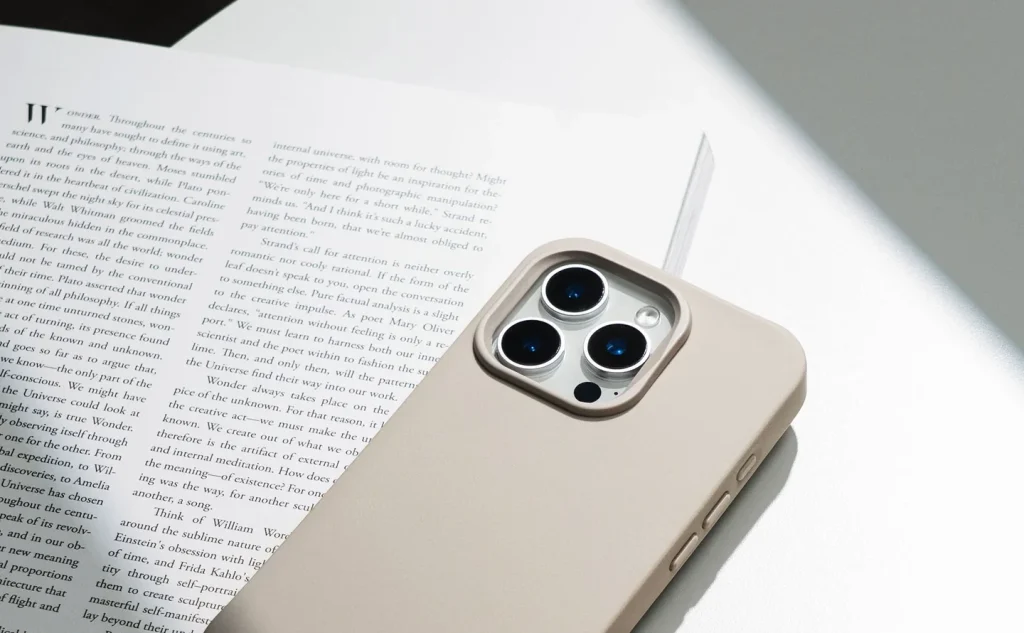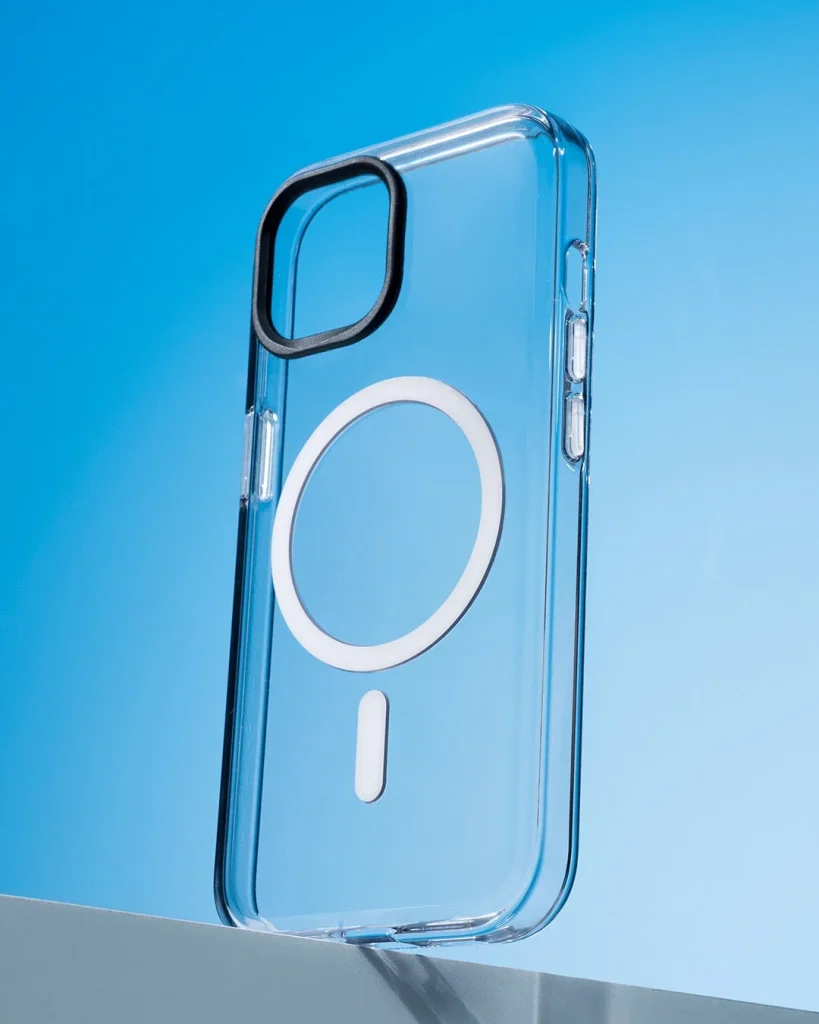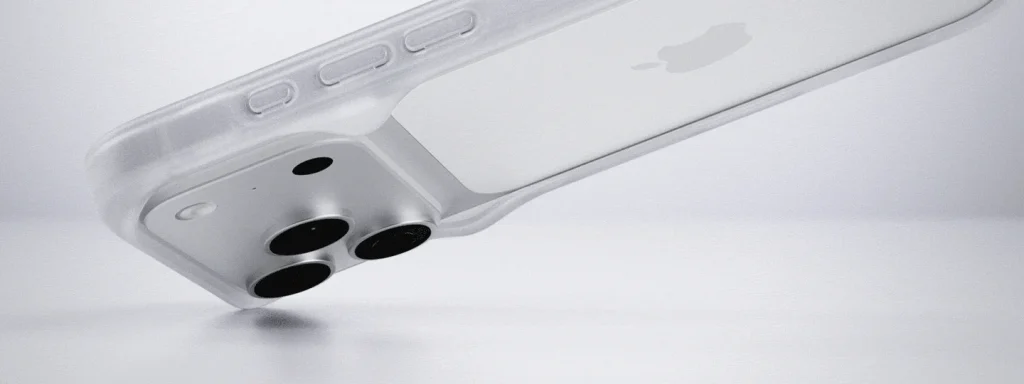
Map what stays exposed
A bumper usually concentrates material around the perimeter, though designs vary. Look at the back, camera area and screen rather than assuming full coverage. Decide whether those exposed surfaces suit where you put the phone, especially on gritty desks or in a shared bag pocket.
Check the frame closure
Follow the fitting sequence and confirm any clips, joins or screws are secured as specified. Do not tighten beyond the instructions. Run a finger around the perimeter to find a raised join, and stop using the frame if a closure no longer stays reliably in place.
Test one-handed reach
Hold the fitted phone in your normal hand and reach the controls without stretching over a desk edge. A thin frame can still have sharp-feeling transitions or slippery areas. Try taking a picture and typing briefly to judge the shape during actual movements.
Measure useful clearance
Inspect the screen and camera lips with the accessories you intend to use. A thin rim may sit level with a thick protector or protruding lens cover. Check on a clean flat surface without sliding the phone; visual clearance is not a promise of protection from a fall.
Try cables and mounts
A slim outline does not guarantee that a bulky cable plug or clamp fits. Connect the cable fully and check the mount's permitted phone dimensions. Keep clamps clear of buttons and follow the mount instructions; pressure on a frame join can change its grip.
Inspect stressed corners
Look closely at the corners after a knock or when removing the bumper. Cracks, stretched clips or a distorted edge can make the fit less secure even if the frame still looks tidy. Replace damaged parts according to the design rather than forcing them back into shape.
Consider the details. Carry what works for you.