Begin with the exact device
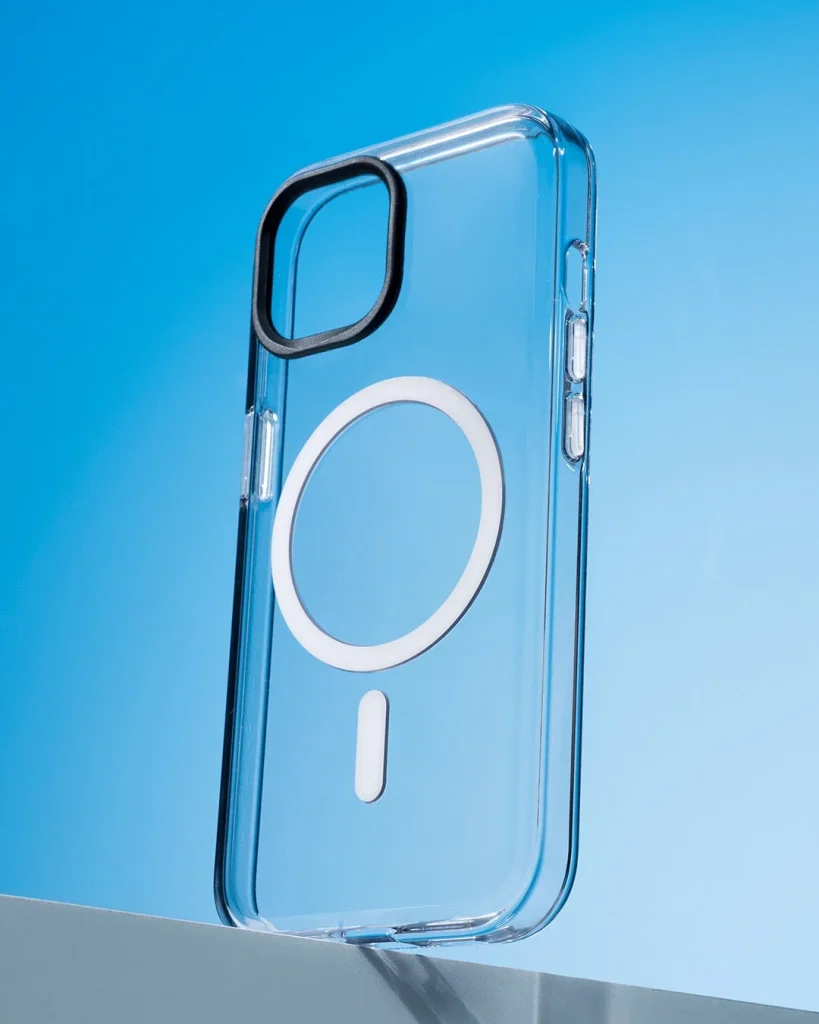
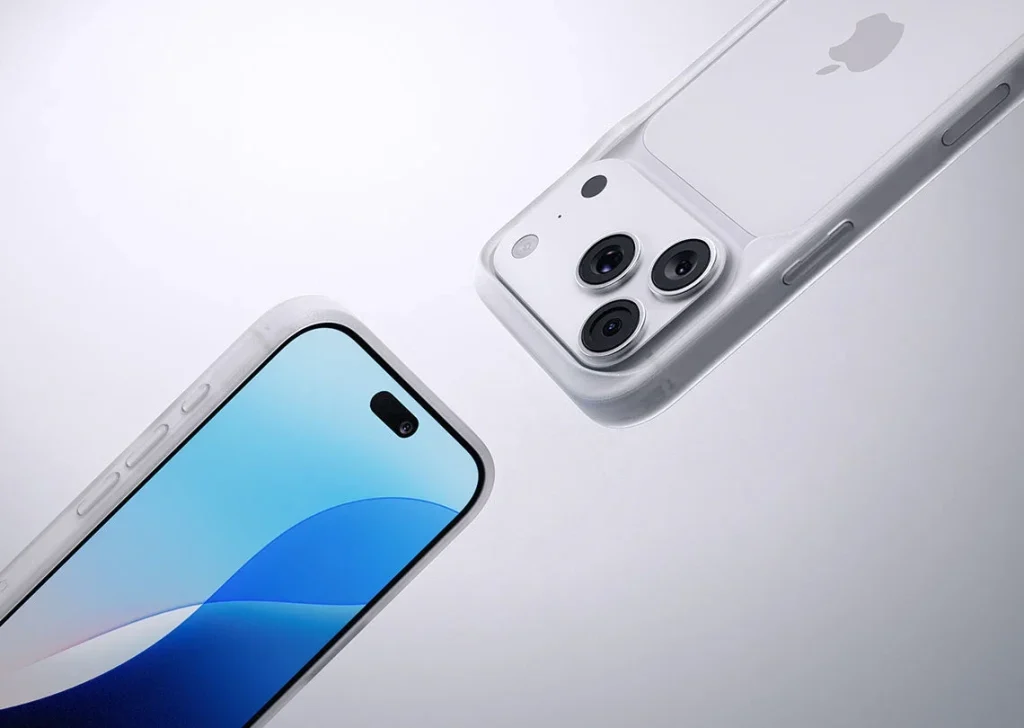
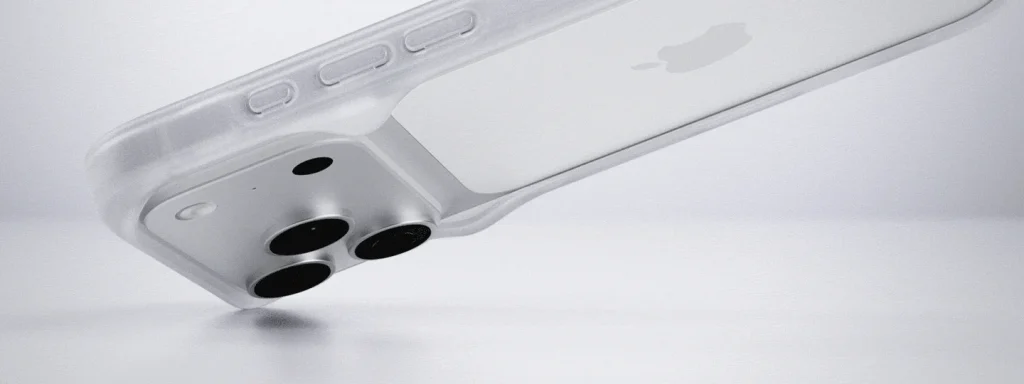
Check the full phone model and generation before comparing shapes. Similar sizes can hide different camera positions, buttons or charging ports. Read the case compatibility list and compare its openings with your actual device rather than judging from a photograph alone.
Seat every edge
Remove dust from the phone and fit the case as its instructions describe. Make sure each corner is seated and the edges sit evenly. If an edge lifts, a button stays pressed or the phone can move inside, remove the case and check the fit before using it.
Try your usual pocket
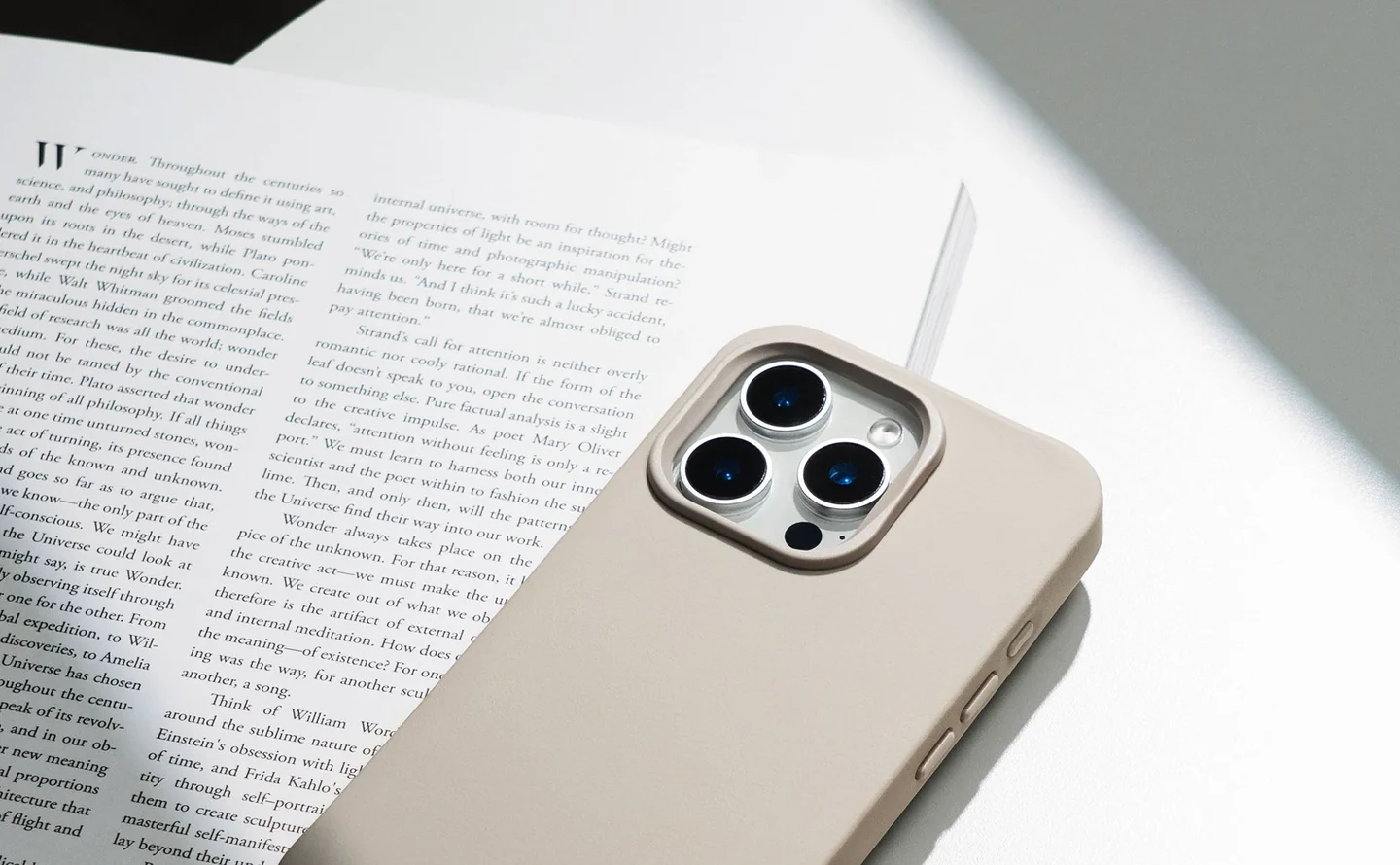
Use the clothing or bag pocket you carry most often. Take the phone in and out while sitting as well as standing. A textured edge can help your fingers but catch on fabric; a larger camera surround may also change how the phone slips into a narrow compartment.
Check the everyday controls
Press each side button, use the mute control if present and plug in your usual charging cable. The connector should seat fully without forcing it through a tight opening. Test the speaker and microphone openings during an ordinary call without covering them with your hand.
Judge the raised edges
A rim around the screen or camera can provide clearance on a flat surface, but its effect depends on the phone and any fitted accessories. Check that a screen protector does not push the case outward. Raised edges do not remove the risk of damage on uneven ground.
Keep the fit under review
Take the case off periodically to remove trapped grit and inspect its corners. Replace it if a split, loose edge or damaged fastening stops it holding the phone as intended. Recheck fit after adding a charging ring, strap tab or other accessory inside the case.
Consider the details. Carry what works for you.