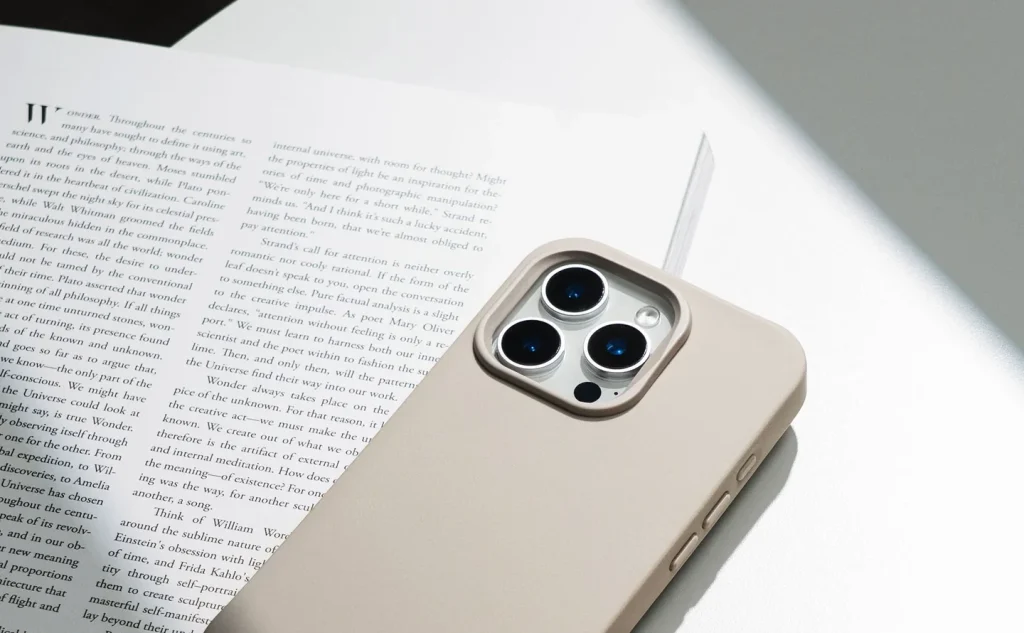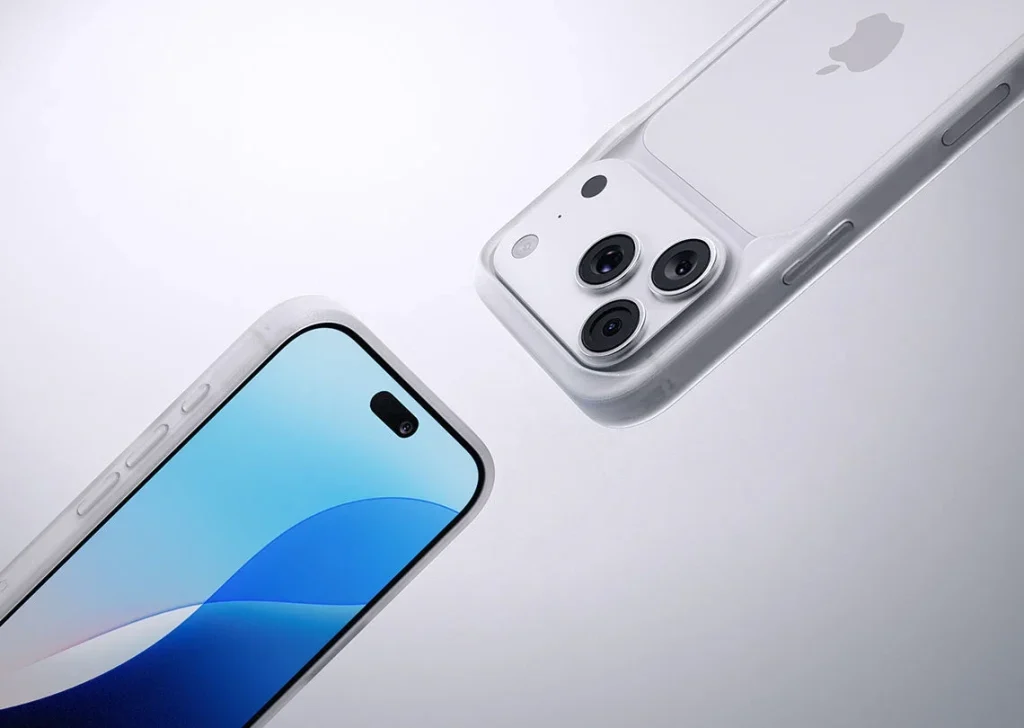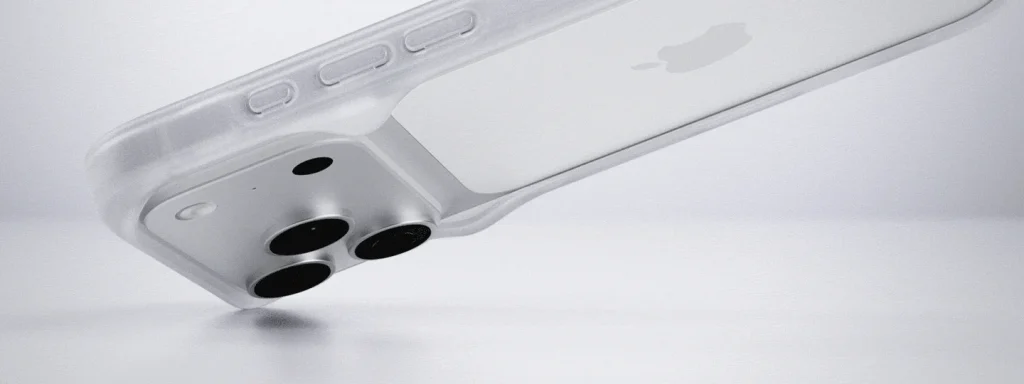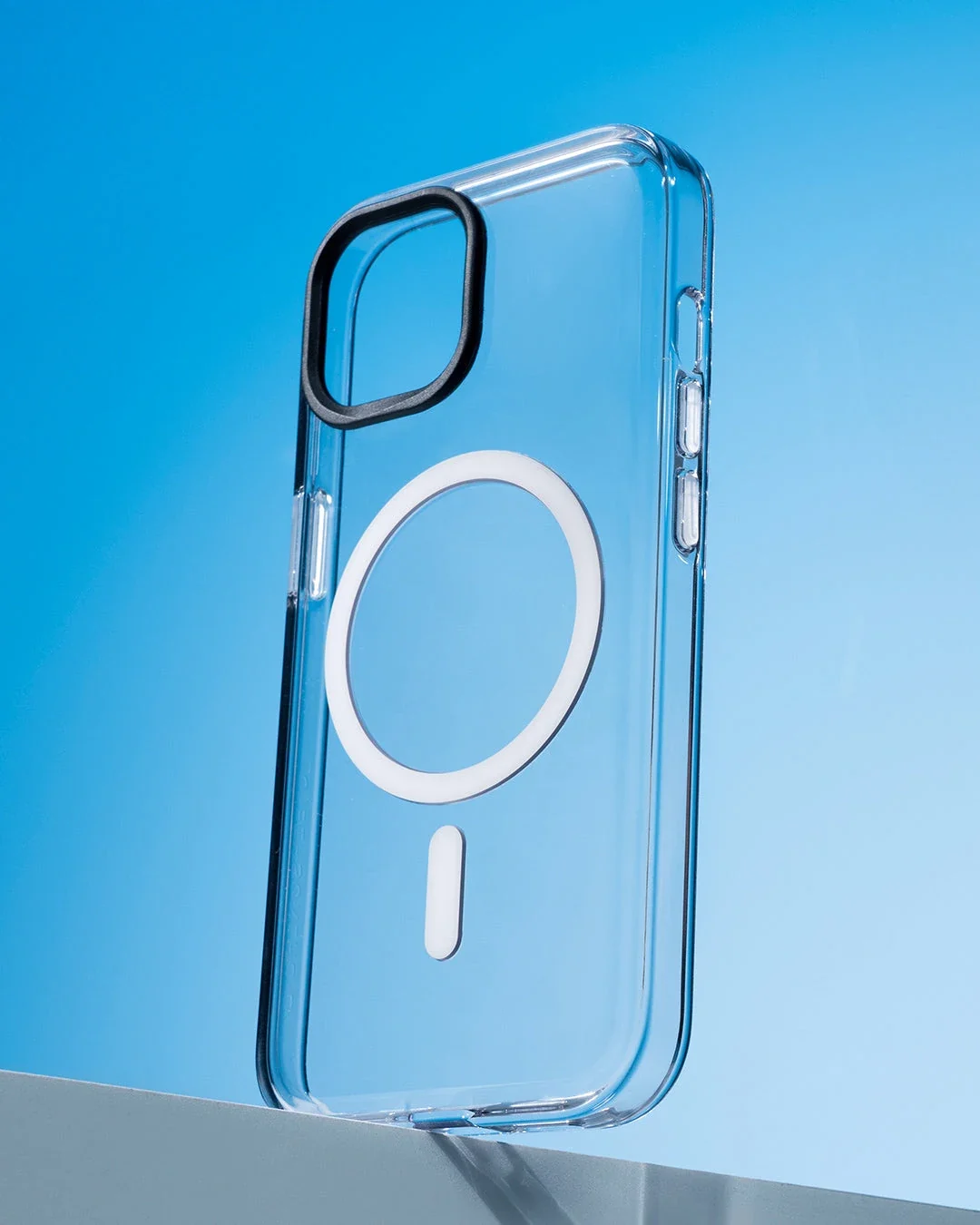
Look in ordinary light
View a clear case against both a light and a dark background. Notice tint, texture and reflections around the edges, since studio lighting can hide them. Compare the assembled phone in daylight if possible; a clear shell may still change how its original colour appears.
Check the camera border
Transparent edges can make gaps hard to see. Inspect the camera opening and every corner after fitting, making sure nothing presses against a lens. Place the phone gently on a clean flat surface and check whether the camera surround or case rocks during use.
Leave room for the screen
If you use a screen protector, inspect the join around the whole display. The case should not lift the protector or leave a corner under tension. Use combinations described as compatible and remove the case to reassess if bubbles appear only after fitting it.
Manage marks gently
Fingerprints are more visible on some glossy surfaces. Wipe with a soft lint-free cloth using only the method approved for the case material. Avoid rough paper, abrasive pastes and household solvents that can scratch, cloud or change a transparent finish.
Expect appearance to evolve
Clear materials can pick up wear or change colour over time. Storage, light, heat and contact with dyes may affect the result, but a cleaning recipe cannot promise to restore the original appearance. Keep the case away from strong heat and inspect it before trying a treatment.
Keep additions outside the fit
A card, print or loose decoration behind the phone can change how tightly a case seats and may affect charging. Add an insert only when the case instructions allow it. Check for trapped debris and remove anything that presses on the phone or interferes with its controls.
Consider the details. Carry what works for you.