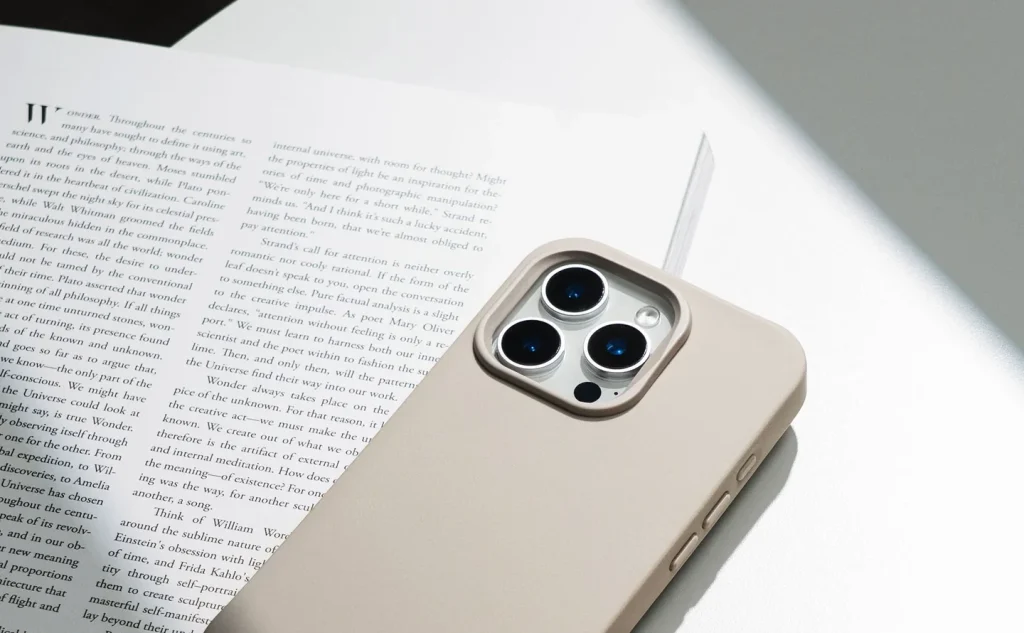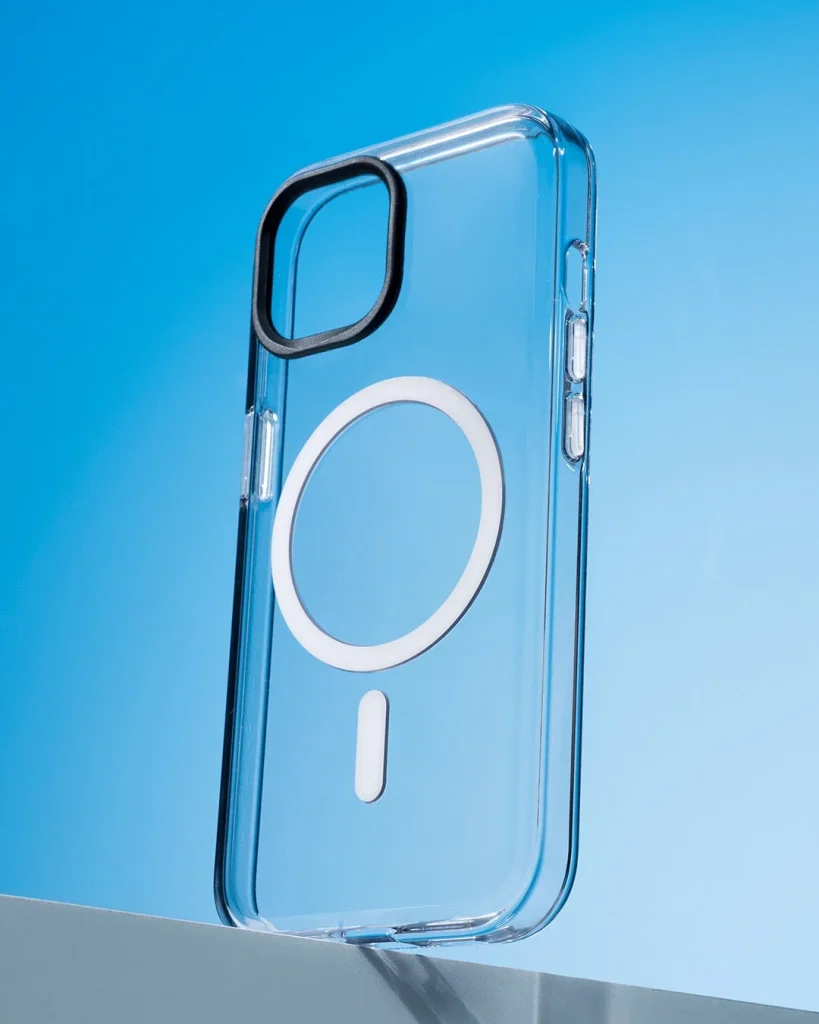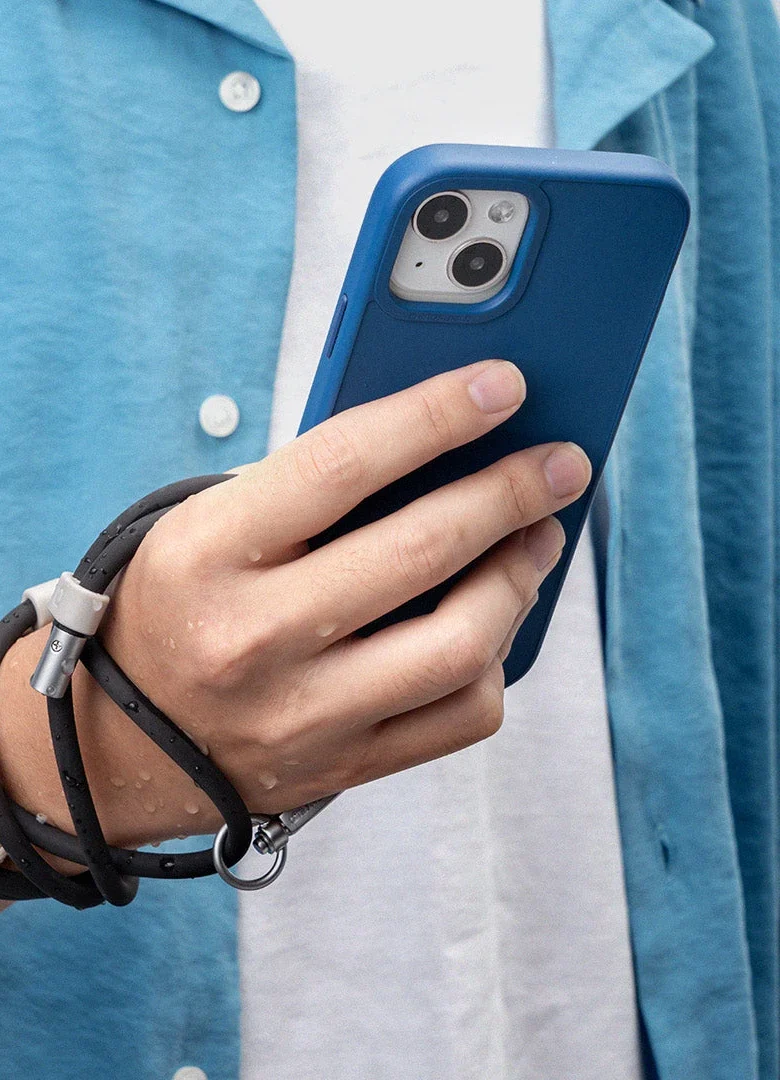
Check the intended attachment
Use a lanyard and attachment point described as compatible with your case and phone. A charging opening is not automatically a strap anchor. If a tab sits inside the case, confirm that the case still closes fully and the tab cannot slip through its opening.
Inspect every connection
Before wearing the assembly, check clips, loops, stitching and the tab for damage. Close each connector completely and make sure it engages as intended. Retire a frayed loop, bent clip or split tab; a good-looking strap cannot compensate for a weak connector.
Test close to a soft surface
Support the phone and gently take up slack over a low padded surface. Check for movement at the anchor and around the case edge without yanking it. Follow the product's permitted load and use; do not invent a strength test by swinging or dropping the phone.
Choose the wearing position
Adjust the length so the phone stays within comfortable reach and does not strike furniture with each step. Try sitting and bending slowly. Keep loops away from moving machinery, bicycle wheels and situations where a hanging strap could catch or tighten unexpectedly.
Keep charging access clear
Confirm that the tab leaves enough space for the correct connector to seat fully. Do not force a plug past it or trap the cable against a sharp edge. If the case lifts while charging, remove the assembly and reassess rather than accepting a partly fitted case.
Recheck after a busy day
Look at the places where cord meets metal and where the tab exits the case. Moisture, grit and repeated rubbing can affect these areas. Dry and clean according to the material instructions, and keep holding the phone in situations where a failed attachment would be costly.
Consider the details. Carry what works for you.