Start with the pairing
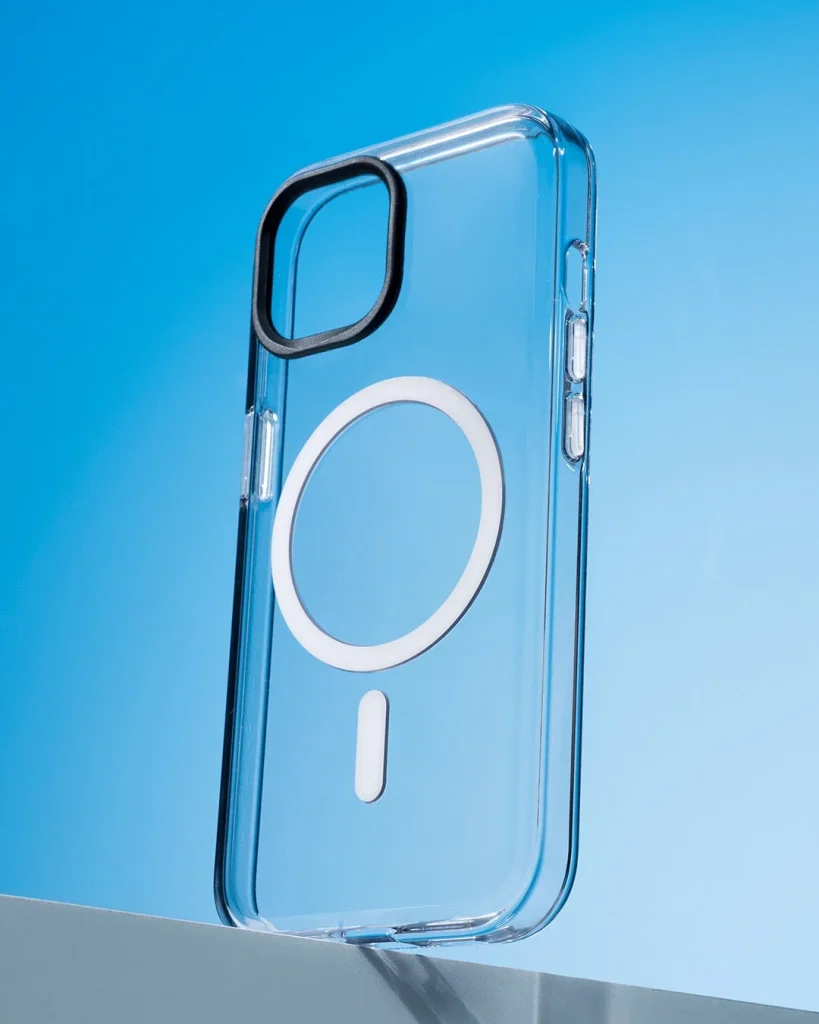
Confirm that the grip is intended for your phone and case arrangement. A smooth back is not proof of magnetic compatibility, and an added ring may affect other accessories. Follow the grip's instructions for any adapter instead of combining parts by appearance.
Find a relaxed finger position
With the phone supported over a table, open the grip and try typing or taking a photo. Your fingers should rest without a forced bend. Move or rotate the grip only as its design allows, and reassess if the position makes the phone harder to control.
Check the moving parts
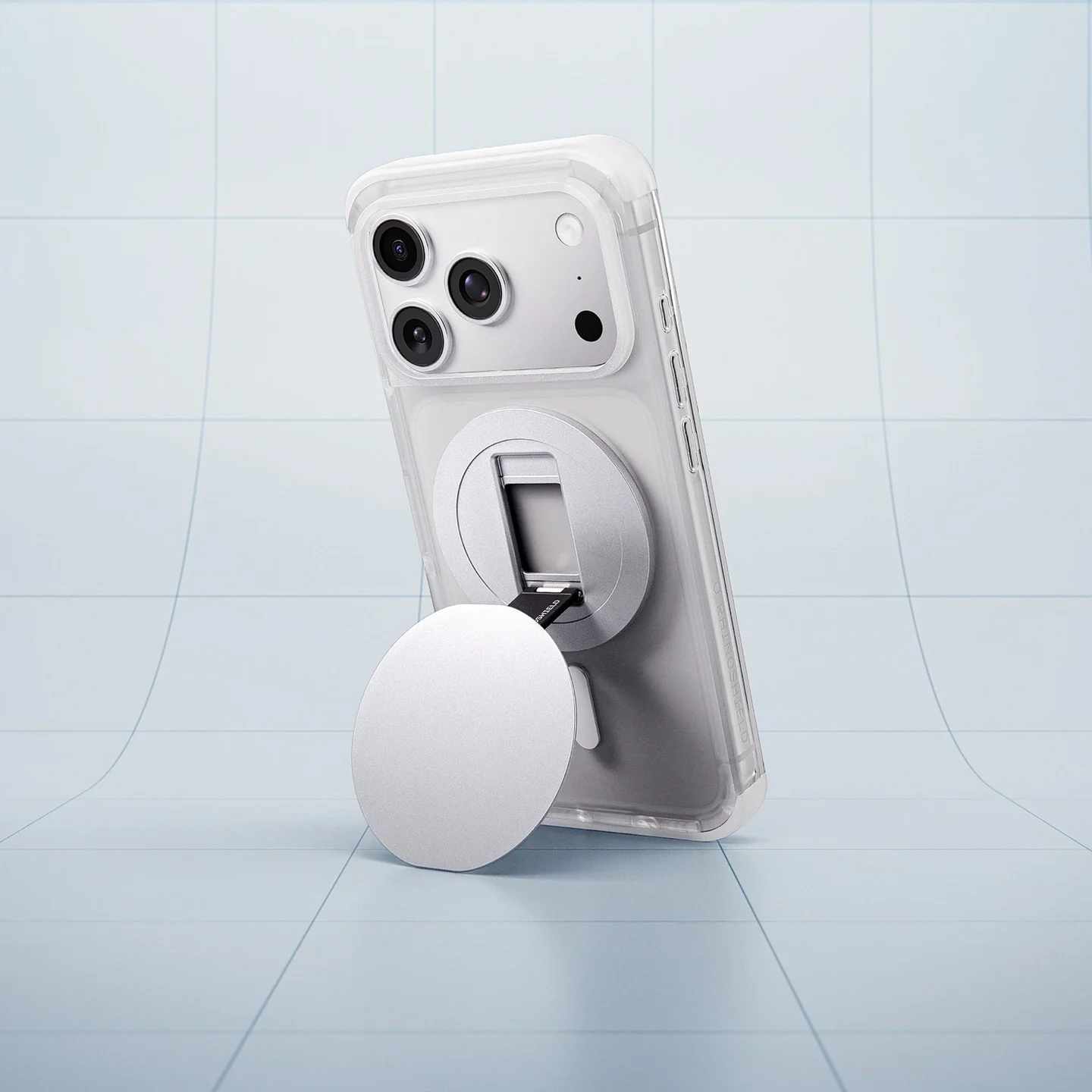
Open and close hinges or loops gently and look for uneven movement. A loose joint, damaged hinge or sharp edge is a reason to stop and inspect. Keep fingertips clear of pinch points and do not use a partly opened mechanism beyond the positions described in its instructions.
Treat desk mode separately
If the grip also forms a stand, use it only in the supported orientations on a flat stable surface. Check that a cable does not pull the phone sideways. A comfortable hand grip is not automatically a stable stand, particularly with a large camera bump.
Remove before charging when needed
Read whether the grip must be detached for wireless charging or a particular mount. Support the phone with one hand while removing the accessory as directed. Keep detached parts clear of the charging surface and avoid storing payment cards against magnets without checking guidance.
Keep a realistic safety margin
A grip can help you position your hand, but magnetic attachment does not guarantee fall prevention. Keep a firm hold when leaning over railings or hard floors. Recheck the contact surfaces for dirt and stop using an accessory that no longer attaches as intended.
Consider the details. Carry what works for you.