Identify the intended system
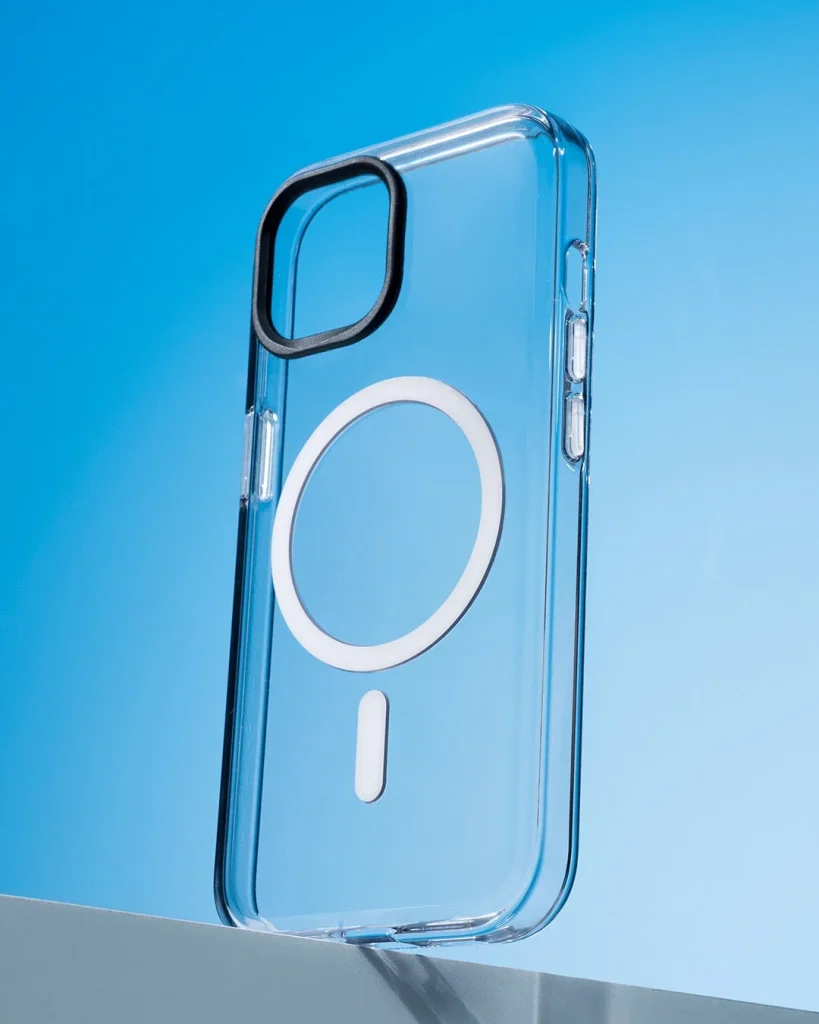
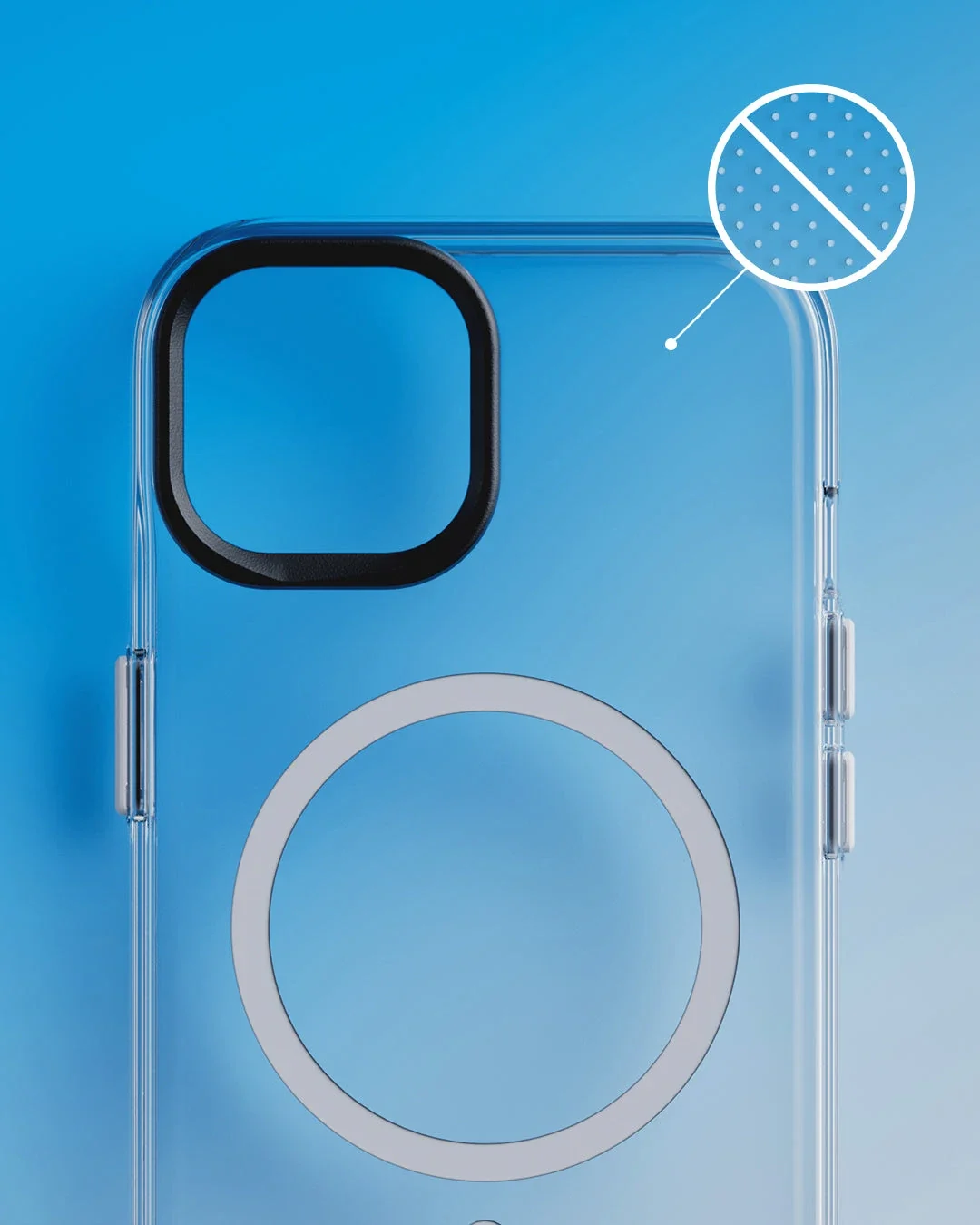
Read the specifications for your exact phone, case and accessory. A metal ring, a magnetic case and a wireless charging system are not interchangeable features. Confirm whether each item supports attachment, charging or both before buying or assembling a combination.
Find the designed position
Use the alignment marks or fitting guide supplied with the accessory. Do not position an adhesive ring by eye unless the instructions permit it. An off-centre ring may hold something in place while leaving the charging coils poorly aligned beneath it.
Keep the stack simple
Extra cards, plates, inserts and thick covers can change the distance between components. Use only the layers the accessory allows and remove objects that are not part of the approved arrangement. Never place loose metal objects between a phone and a wireless charger.
Confirm charging separately
Attach the compatible charger on a stable surface and check the phone's charging indicator. A magnetic click alone does not show that energy is reaching the battery. If charging is intermittent, reposition the phone and check the instructions for case thickness and power requirements.
Respond to unusual heat
Some warmth can occur during charging; unusual heat or repeated interruptions need attention. Stop charging, let the equipment cool and inspect the setup. Follow the phone and charger guidance, keep the area ventilated and avoid covering the assembly with bedding or clothing.
Keep a hold during movement
Check the mount's permitted use, orientation and load before relying on it. Magnetic attachment does not guarantee fall prevention. Support the phone when adjusting or removing it, especially above hard ground, and keep sensitive cards clear according to their instructions.
Consider the details. Carry what works for you.