Confirm the model first
Button positions can change between phone generations that otherwise look alike. Read the full compatibility label and inspect the case before fitting. Do not force a cover to line up with a control; a small mismatch can leave pressure on a button throughout the day.
Seat the surrounding edge
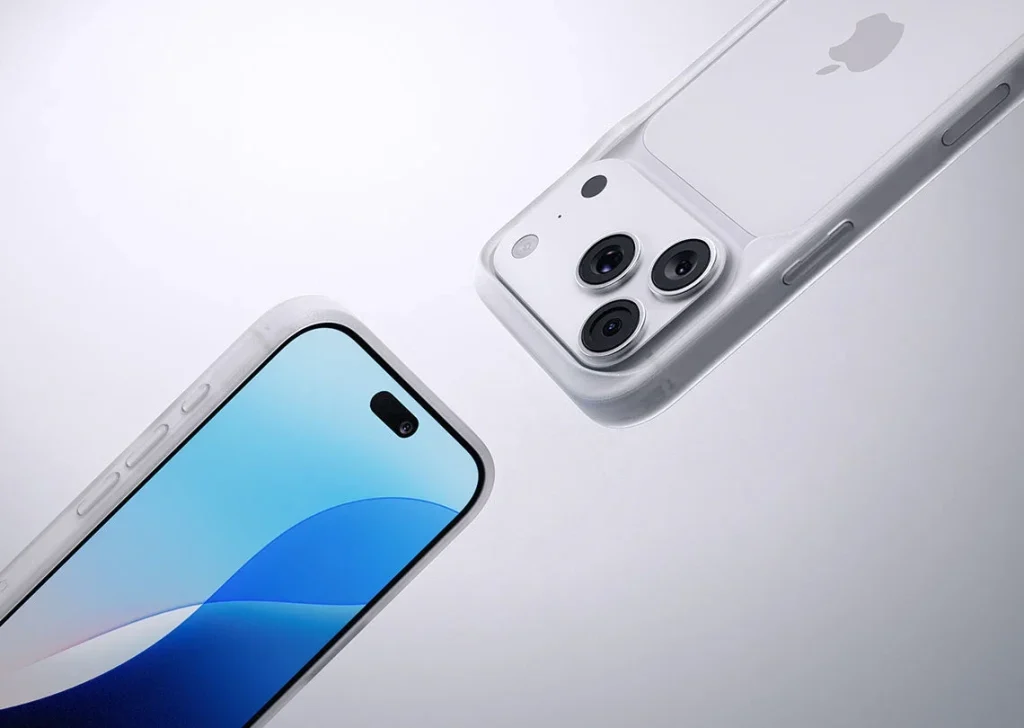
Make sure the phone is fully inside the case and every corner is seated. Look along the side for a bowed edge or folded lining. Remove and refit according to the instructions if anything is trapped; pressing harder on the button will not correct a displaced case.
Test each function gently
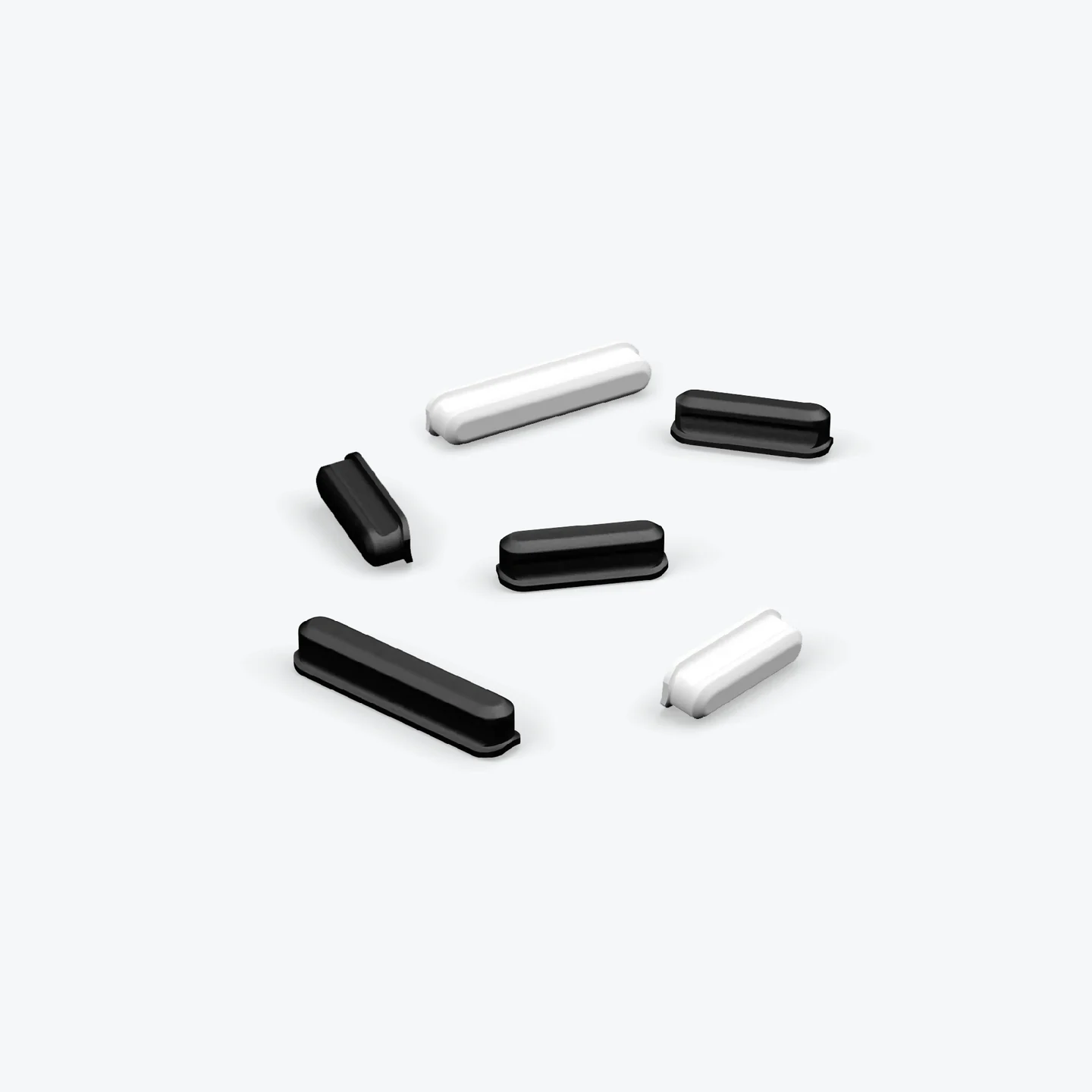
Press and release the volume and side controls individually. They should respond consistently and return without remaining pressed. Test any opening for a switch or additional control with a normal fingertip movement rather than a sharp tool that may scratch the device.
Check with your usual hand
Hold the phone as you do during calls and photos. Notice whether your fingers rest on a control unintentionally or need an awkward stretch. A pronounced button cover can be easy to find yet easy to press in a tight grip; judge it during those real movements.
Add accessories one at a time
Fit your screen protector, strap tab or mount separately and repeat the control check. A clamp must not press a side button, and an internal tab must not distort the edge. If a new accessory changes the response, remove it and review the compatibility of that combination.
Respond to a changing feel
Grit, wear or a damaged cover can alter the click over time. Remove the case and clean it as directed, then test again. Stop using a case that keeps a control engaged or prevents reliable operation; avoid cutting the cover or applying oil as an improvised repair.
Consider the details. Carry what works for you.